Customer notes on the timeline
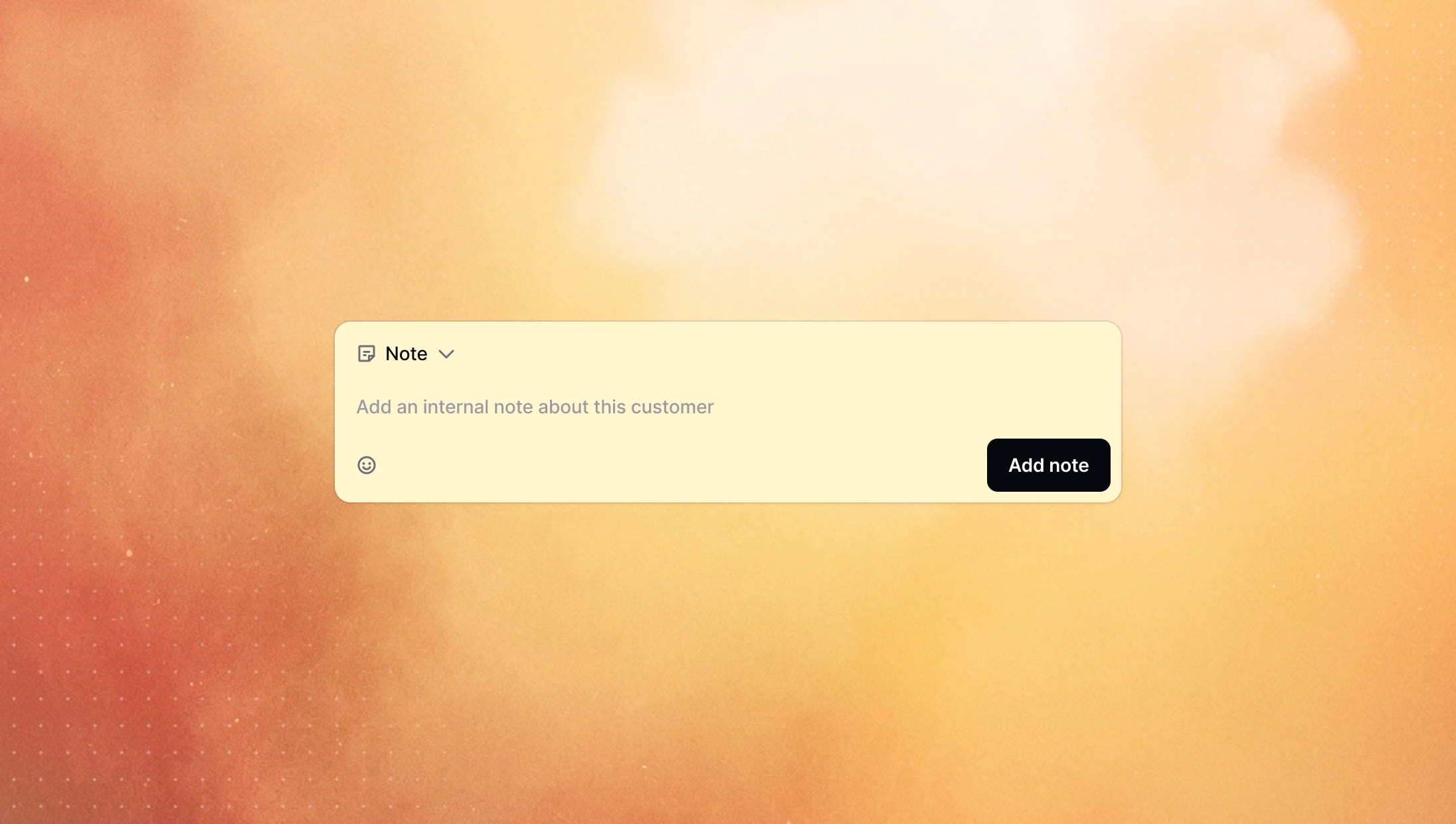
You can now leave internal notes directly on the customer timeline. They sit alongside calls and messages, so anyone who opens the customer sees the full picture at a glance and knows exactly where things stand before they reach out.
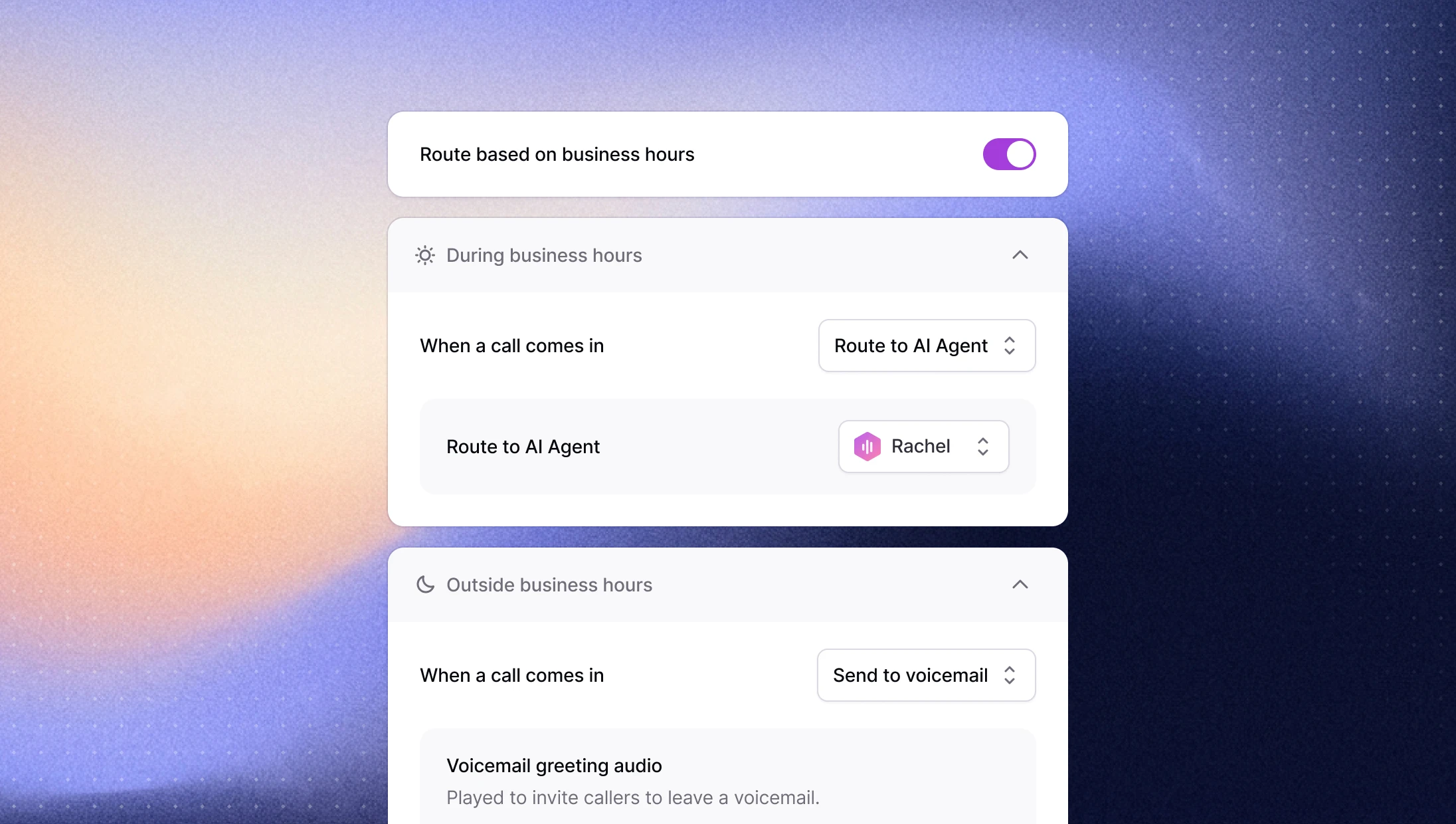
Route inbound calls by business hours
Calls that come in at 2pm and 2am rarely deserve the same treatment, but until now they got it. You can now route inbound calls differently during and outside your business hours, so after-hours callers can be sent somewhere appropriate instead of hitting the same path as everyone else.
Set your timezone and working hours in General Settings, then head to Calls Routing and toggle on routing based on business hours to customize each case.
→ Set it up in your calls routing settings
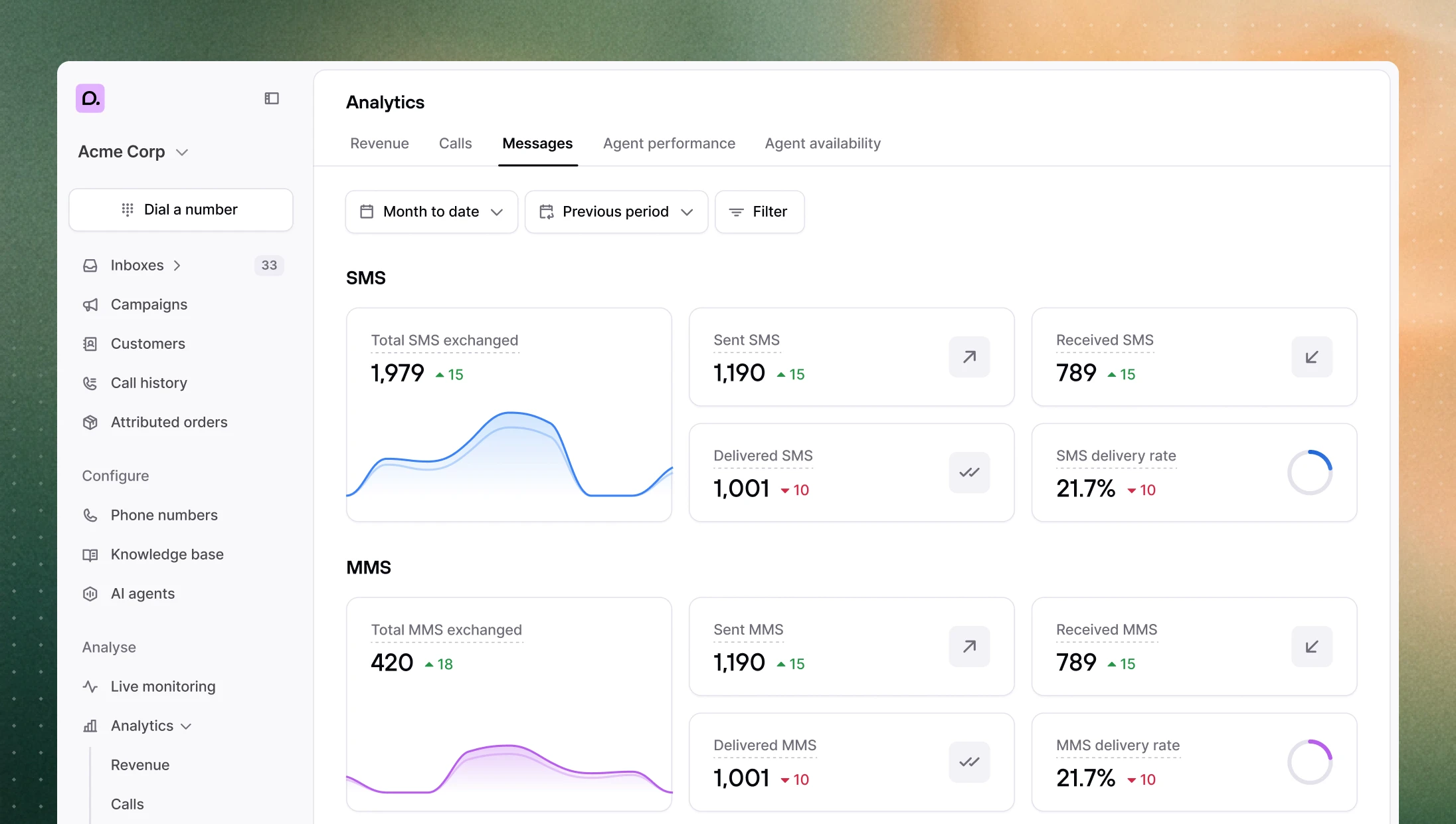
A deeper analytics suite
The new analytics suite got a substantial expansion over the past few weeks with new metrics, new tracking, and a faster page to work in.
MMS tracking: a dedicated section under Analytics > Messages, with messages carrying one or more media attachments tracked automatically.
Revenue at a glance: the revenue page now shows the average revenue, average order value, and conversion rate.
Last-touch attribution: choose between first-touch (credits the earliest qualifying interaction) and last-touch (credits the most recent) per workspace. Existing workspaces keep first-touch by default.
Agent availability breakdown: see agent availability measured against your business hours.
Export attributed orders: pull your attributed orders out for deeper analysis.
Cleaner attributed orders: $0 orders are hidden, refunded orders show with a strikethrough and drop out of the stats, and orders attributed to an AI agent now appear correctly, with a filter to isolate them.
Easier navigation: the filter bar stays pinned as you scroll, section tabs sit at the top of the page, the call history table can be filtered by phone number, and revenue funnel segments now have hover tooltips with clearer stage labels.
More reliable AI agents
Agents got noticeably steadier on the tasks that matter most during a live call.
Draft orders: creating a draft order mid-call is far more reliable, with the agent now identifying the customer first before building the order.
Faster order lookups: finding an existing order is quicker, especially on large accounts where lookups used to lag.
Broader catalog search: multi-word product searches like "red sweater" now return items matching either word rather than only exact matches on every word, so the agent has better options to pull from.
Other improvements
Gorgias customer matching: when a call creates a Gorgias ticket, Consio now matches it to the right customer by phone number first, then by email, and only creates a new customer if neither turns up, cutting down on duplicate contacts.
Call drawer: the call details drawer now scrolls as a single panel with a fixed top bar, plus arrows to move between calls and a button to copy a direct link to a call.
Incoming and transfer dialogs: the company name now shows on incoming call and transfer dialogs.
Customer timeline: you can now see which Shopify profile placed an order, and a new event records when a customer is added to the blocklist.
Call stats: short AI calls where the caller hangs up are no longer counted as missed calls.