Send photos and files over MMS
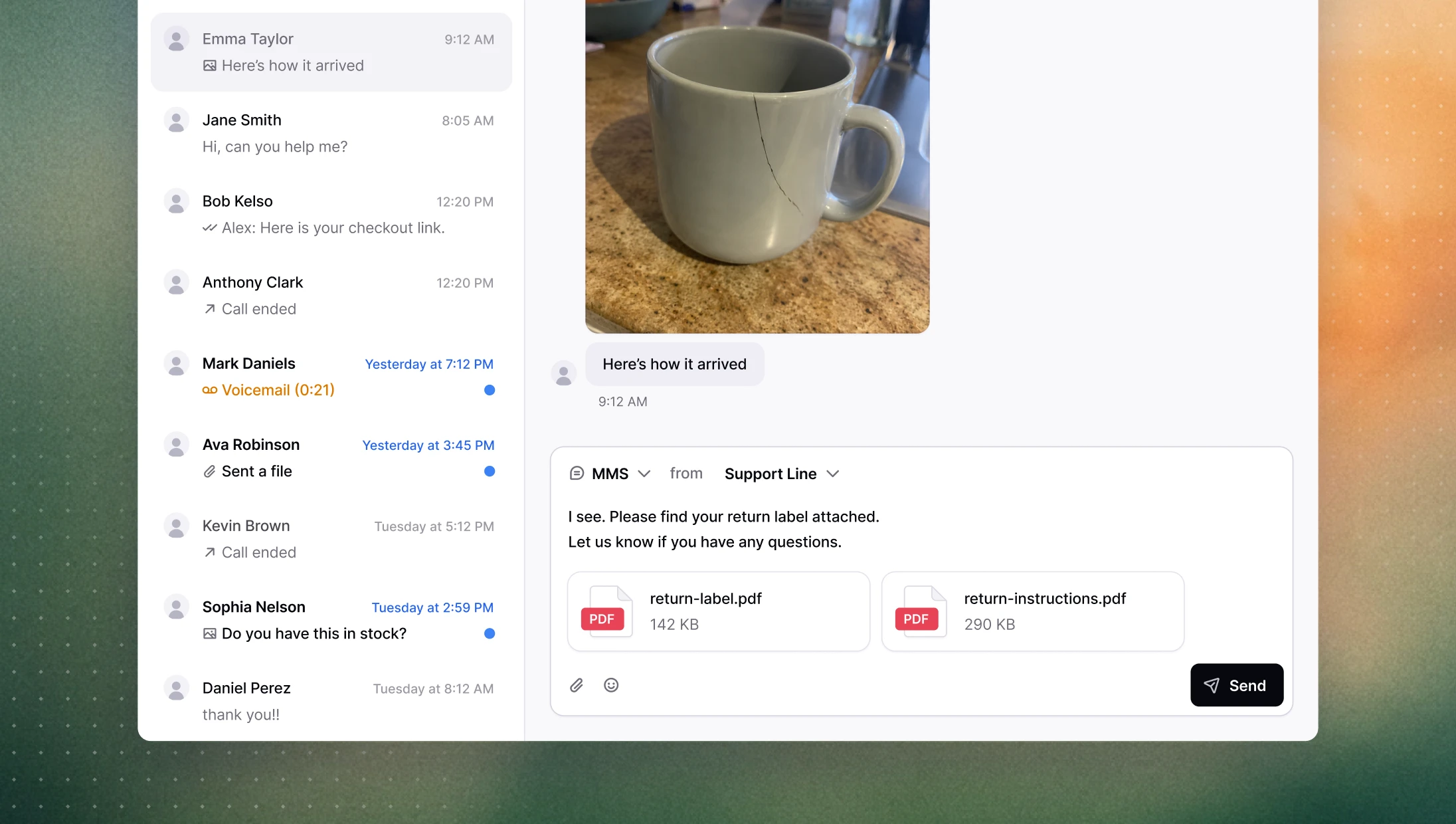
Send images and files over MMS
You asked, we listened. Sending a photo, a return label, or a PDF during a conversation used to mean stepping outside Consio entirely. Now agents can send files directly from the message composer, without breaking their flow. Upload via the paperclip icon, drag and drop, or paste from clipboard. Supported formats are JPG, PNG, GIF, and PDF, with a 5 MB limit per file and up to 10 files at a time.
→ Open a conversation to try it
Put a call on hold
Sometimes an agent needs a moment — to check something, loop in a colleague, or just gather their thoughts — without dropping the call or leaving the customer in silence. Agents can now put any live call on hold: the customer hears hold music, the state is logged, and the agent resumes when ready. Works on both inbound and outbound calls.
Recording controls: pause, resume, delete
The recording button during a call now pauses and resumes the recording rather than stopping it permanently. This matters in practice: agents often need to step away from recording mid-call without losing everything. And for cases where a recording needs to be removed after the fact (like a customer opting out) a delete option is now available directly from the recording menu.
Other improvements
Shopify customer notes: you can now edit a customer's Shopify note directly in Consio, and changes sync back to Shopify in real time.
Overmerge protection: customer records are no longer merged based on phone numbers that appear across too many profiles, reducing false merges from shared or dummy numbers.
Emoji picker: agents can now insert emojis from an in-app picker in the message composer.
Outbound call dispositions: "Issue resolved" is now available as a disposition on outbound calls.
Sales funnel: loading time on large workspaces has been reduced significantly.