Context
Support teams live in their helpdesk. When calls sit in a separate tool, agents lose context and customers repeat themselves. Consio connects your phone line and your AI voice agent to the helpdesk your team already works in.
Want to cover this use case?
How it works
Connect your helpdesk from Settings, under Integrations. Consio integrates with Gorgias, Zendesk, Kustomer, Richpanel, eDesk, Re:amaze, Crisp, and Klaviyo Helpdesk.
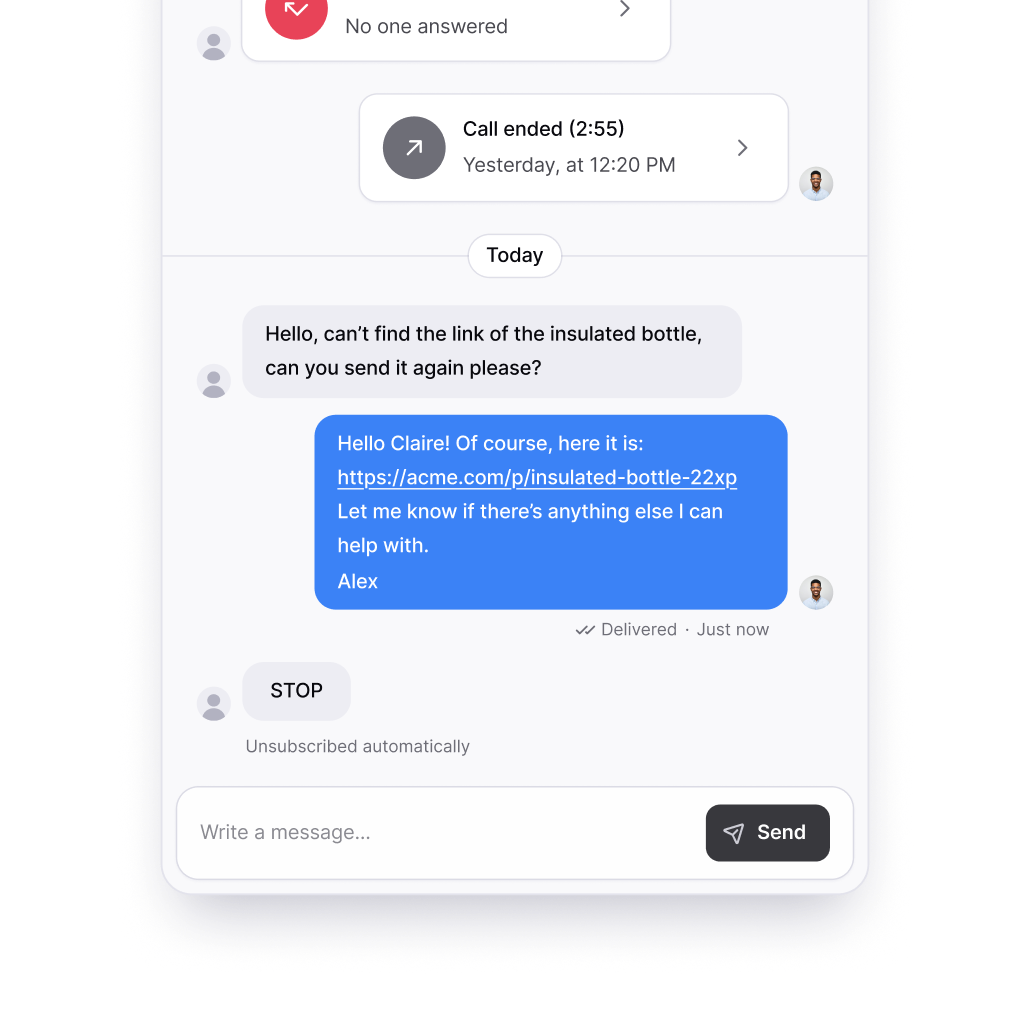
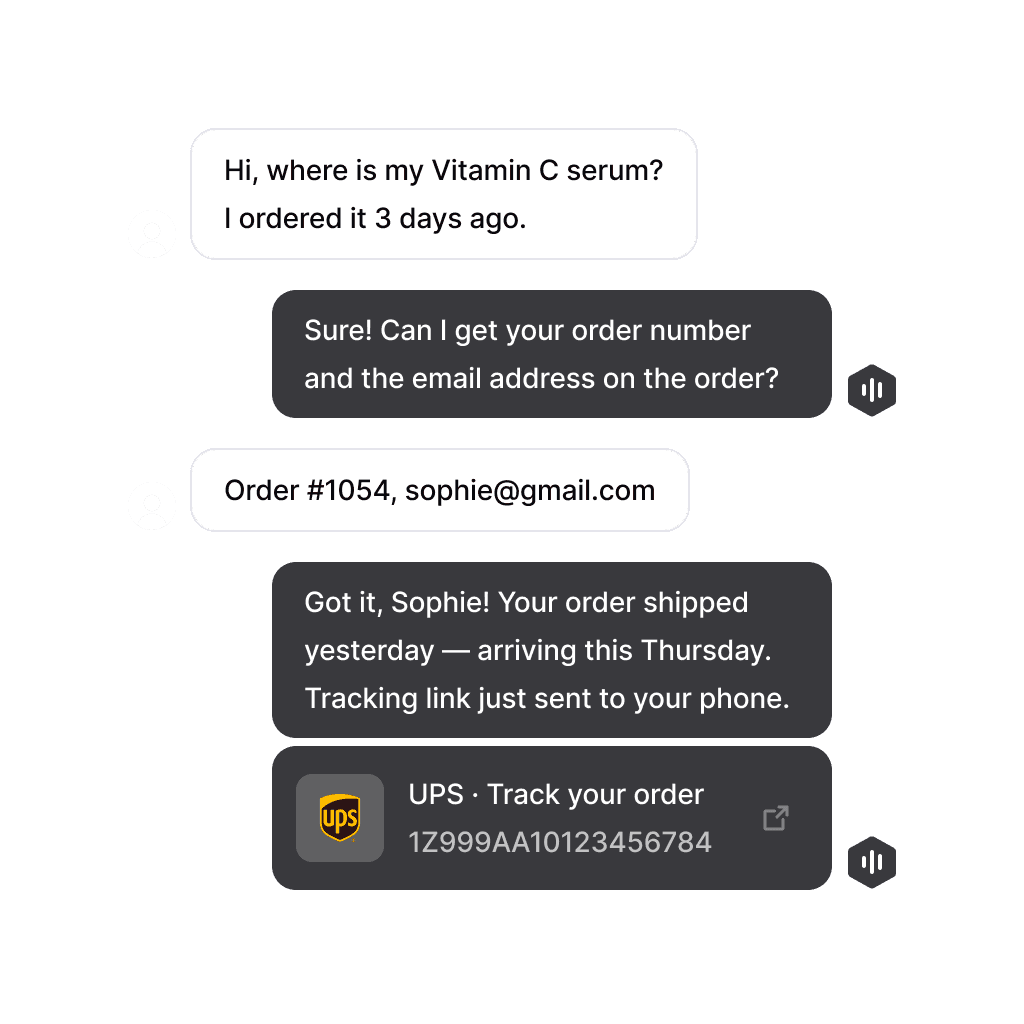
After every completed call, inbound or outbound, handled by your team or by your AI agent, Consio creates or updates a ticket or conversation for the right customer. Depending on the helpdesk, it adds the call details, the disposition and agent notes, the AI summary and next steps, voicemail transcripts, and a one-click link to the full call record in Consio. With Richpanel and Crisp, text conversations land in the helpdesk too.
Customer matching keeps records clean. With Gorgias, for example, Consio looks for an existing customer by phone number first, then by email, and only creates a new customer when neither is found.
Benefits
Agents work from one inbox. Calls and texts sit next to email, chat, and social conversations, so whoever picks up the ticket next sees what was said on the phone without listening to the recording.
Tickets, call details, notes, and AI summaries are created automatically after every call, so nobody logs calls by hand. When your AI agent handles a call from start to finish, the record is still there for your team, with the summary and next steps ready for follow-up.